
Country Club OS
The Platform · App Directory
Every piece of the platform, in one place. Tap any card to open it.
For Members

Member App · with Chip
The phone app members live in — with Chip, the AI caddy, on all 18 real holes.
Chip AI caddyGPS hole mapsScorecardOrder F&B to your holeBook tee timesBeverage-cart trackerMember directoryConcierge
Open the Member App
Course Map & GPS
The club's own hole artwork with a live GPS + caddy overlay — tap where your ball sits and get the yardage to the front, center, and back, plus Chip's read on the shot.
Club hole mapsTap-to-positionFront/center/back yardagesChip's tip
Open the Course Map
Member Portal
"My Club" — the member's private web home. Membership & billing, statements, events and dining, the members-only marketplace and business network, a real community feed, and their whole golf life in one place.
My Club homeBilling & statementsMarketplaceMember networkCommunity feedGolf life
Open the Member Portal
For Staff & Management
Operations Console
The whole club on one screen — every module in the side nav, with a "Viewing as" role switch so the GM sees everything and the superintendent or pro-shop manager see only their tabs. Grounds lives here too, not in a separate app.
Role-based viewsTee sheetPro shopDaily plan & crewIrrigation · chem · fleetAI receptionist log
Open the Console

Executive Command Center · with Marshall
The GM's whole-club view — revenue across every center, membership, rounds, course readiness, AI activity — with Marshall, the AI Chief of Staff, forecasting risk and surfacing the next move. A view inside the console (role-gated to the GM).
Total revenue by centerMembershipRounds trendCourse readiness
Open in the Console
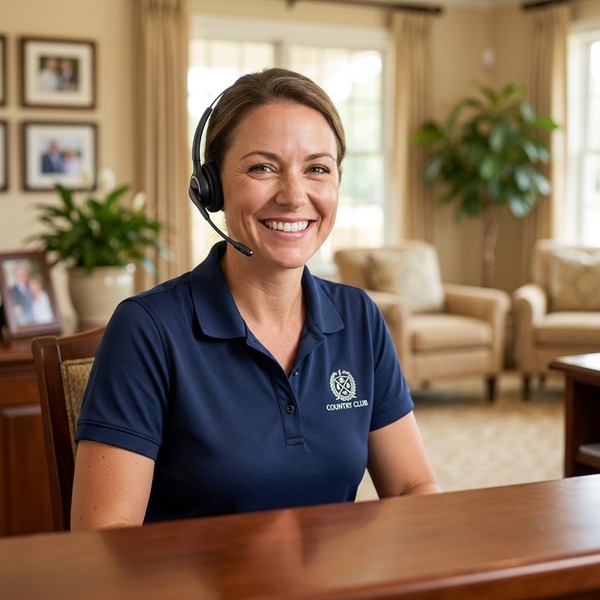
Sandy · AI Receptionist
Call the club's AI front desk live — Sandy answers 24/7, books tee times, and handles questions in a natural voice. Replaces the Amazon Connect chat and any overseas call service.
Live nowBooks the tee sheetOne AI voice
Call it — (972) 525-5668
Kitchen Display (KDS)
The kitchen's live order board — every grill and beverage-cart ticket lands here with a delivery target and a timer, and advances New → Preparing → Out → Delivered.
Live ticketsCook timersFrom the member app
Open the Kitchen Display
Beverage-Cart POS
The on-course handheld — the cashless terminal for the beverage cart. Tap items, set the hole, tap-to-pay, and the order fires straight to the kitchen board.
Cashless readyTap-to-paySends to KDS
Open the Cart POS
Overview & Onboarding
Welcome / Onboarding
The send-to-the-club overview — what's live today, the full platform map, and the pitch.
What's includedFull module mapThe wedgeOnboarding checklist
Open the Welcome Doc
Vs. the Current App
Side-by-side: a typical rented club app, feature for feature, against Country Club OS. The side-by-side for the GM.
Feature comparisonWhat only we doOwnership & data
Open the Comparison
Grounds Operations · Upsell Module

Augie · AI Superintendent
Augie's 5 AM command screen — real-weather AI recommendations, readiness score, daily plan you assign straight to the crew, irrigation, chemical logs, and the equipment fleet. A role-gated section inside the Operations Console.
Live NWS weatherAI day-plan → crewIrrigation boardChem/fert logsEquipment fleetReadiness score
Open in the Console
Grounds Crew App
The crew's phone — bilingual (English / Spanish), task board with start/complete + photo, GPS to the task, and an AI voice assistant.
EN / ESTask boardCompletion photosAI voice assistant
Open the Crew App
Country Club OS · the operating system for the modern club
by Custom AI Apps LLC · live demo on a real 18-hole course
by Custom AI Apps LLC · live demo on a real 18-hole course